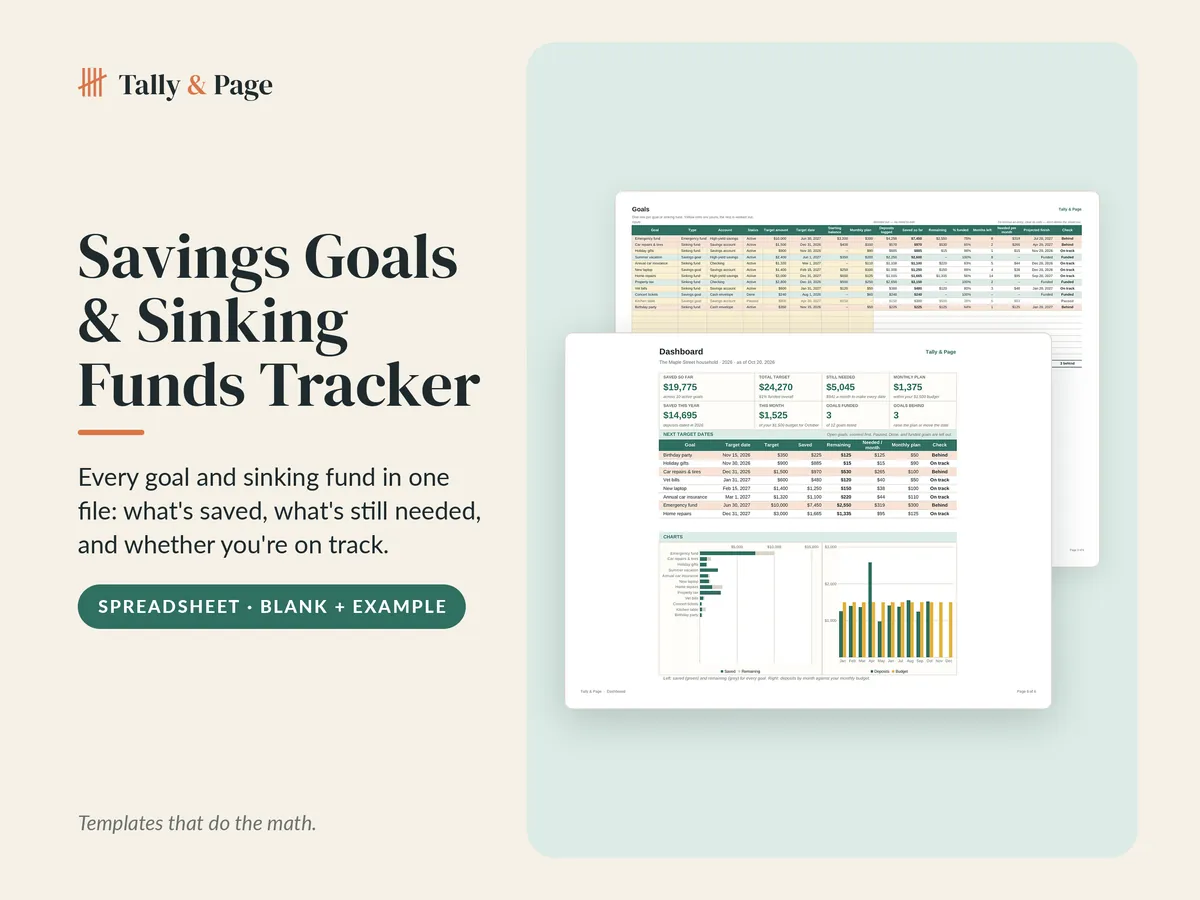
Savings Goals & Sinking Funds Tracker Spreadsheet
Every goal and sinking fund in one file: what's saved, what's still needed, and whether you're on track.
- Saved, remaining, and % funded for every goal
- Needed per month and an on-track check
- Projected finish date at your current pace
Instant download after checkout. Sales tax, where it applies, is added at checkout.
- Files
- Blank .xlsx + filled-in example .xlsx
- Made for
- Microsoft Excel and Google Sheets
- Inside
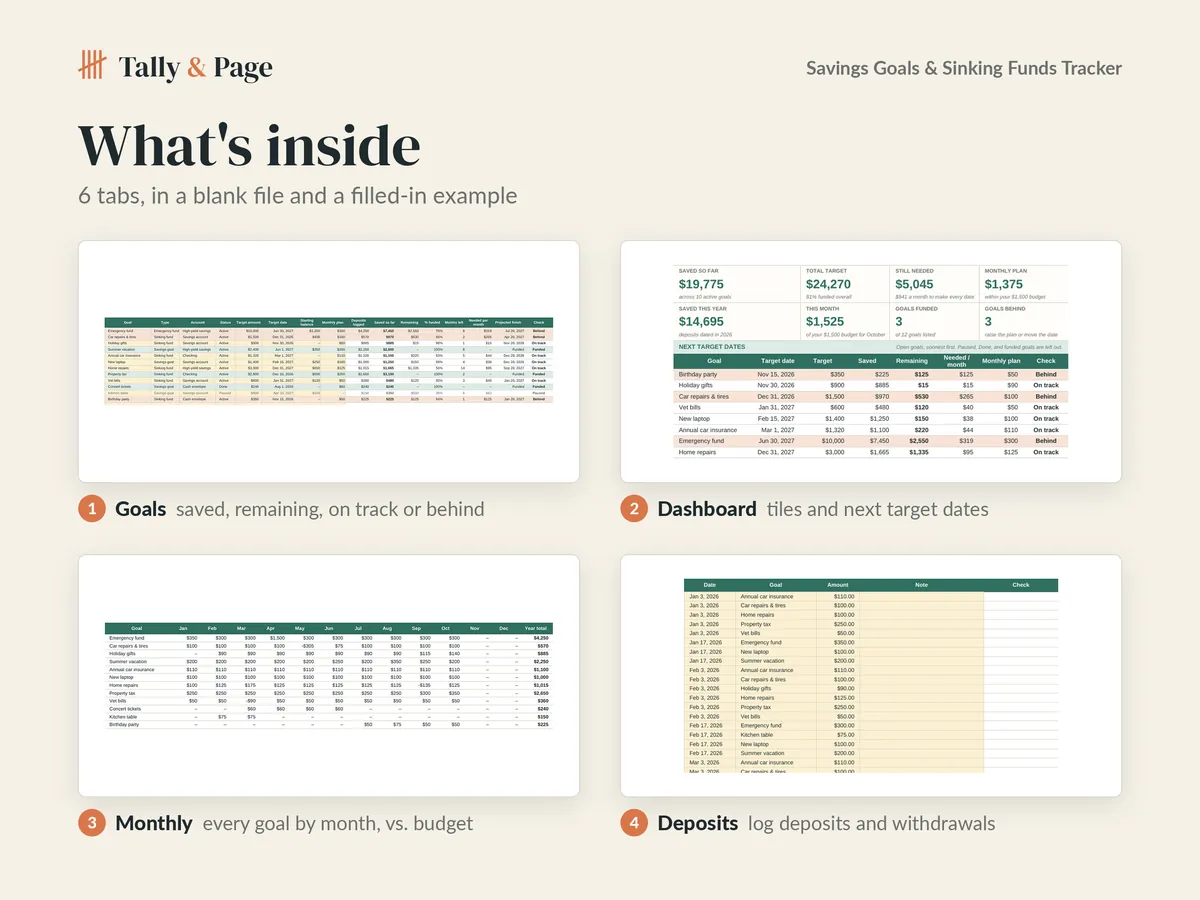
- Goals, deposits log, monthly view, dashboard with next target dates and charts
Use this file for your own household or business. Do not resell, share, or redistribute the file or any part of it. Designed by Tally & Page with AI-assisted tools.
Features
What it does for you
- One row per goal or sinking fund: type, account, target amount, target date, starting balance, monthly plan
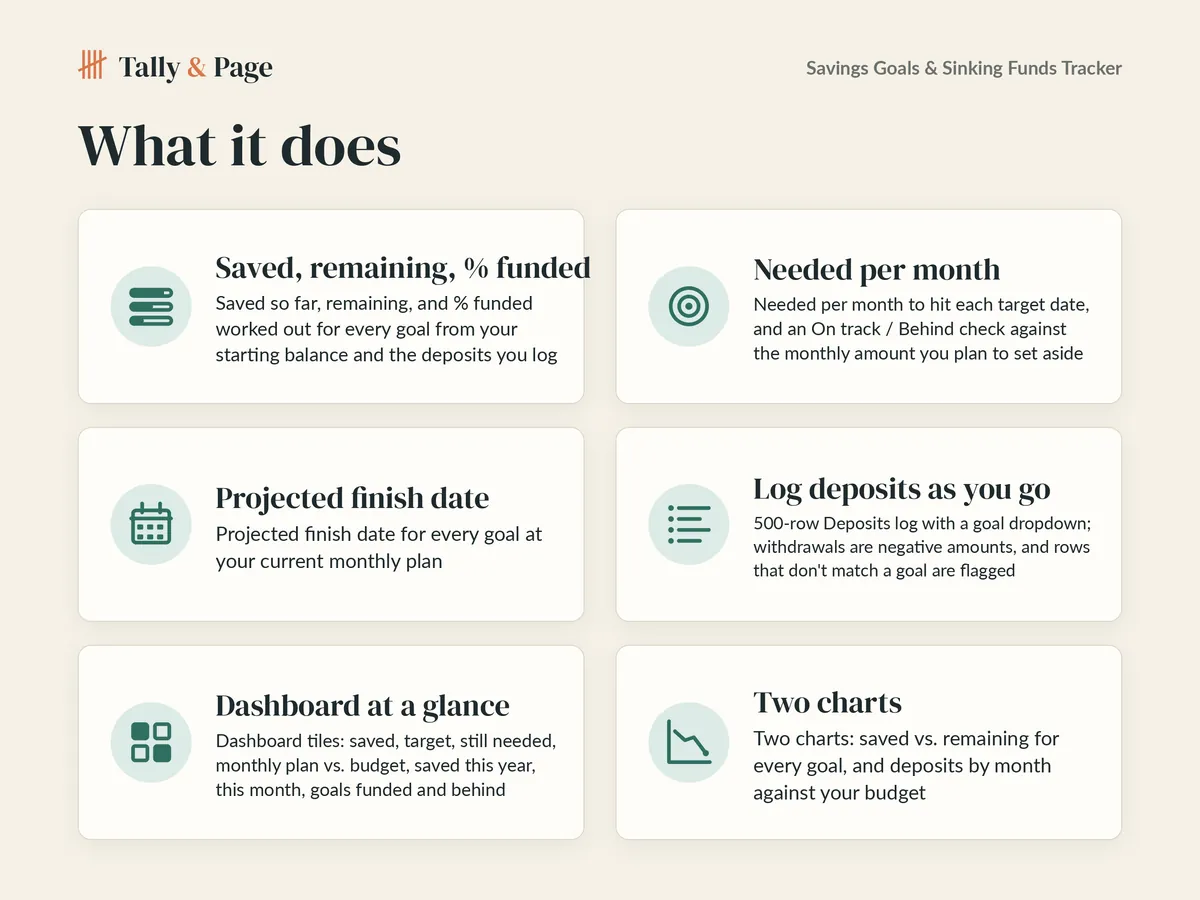
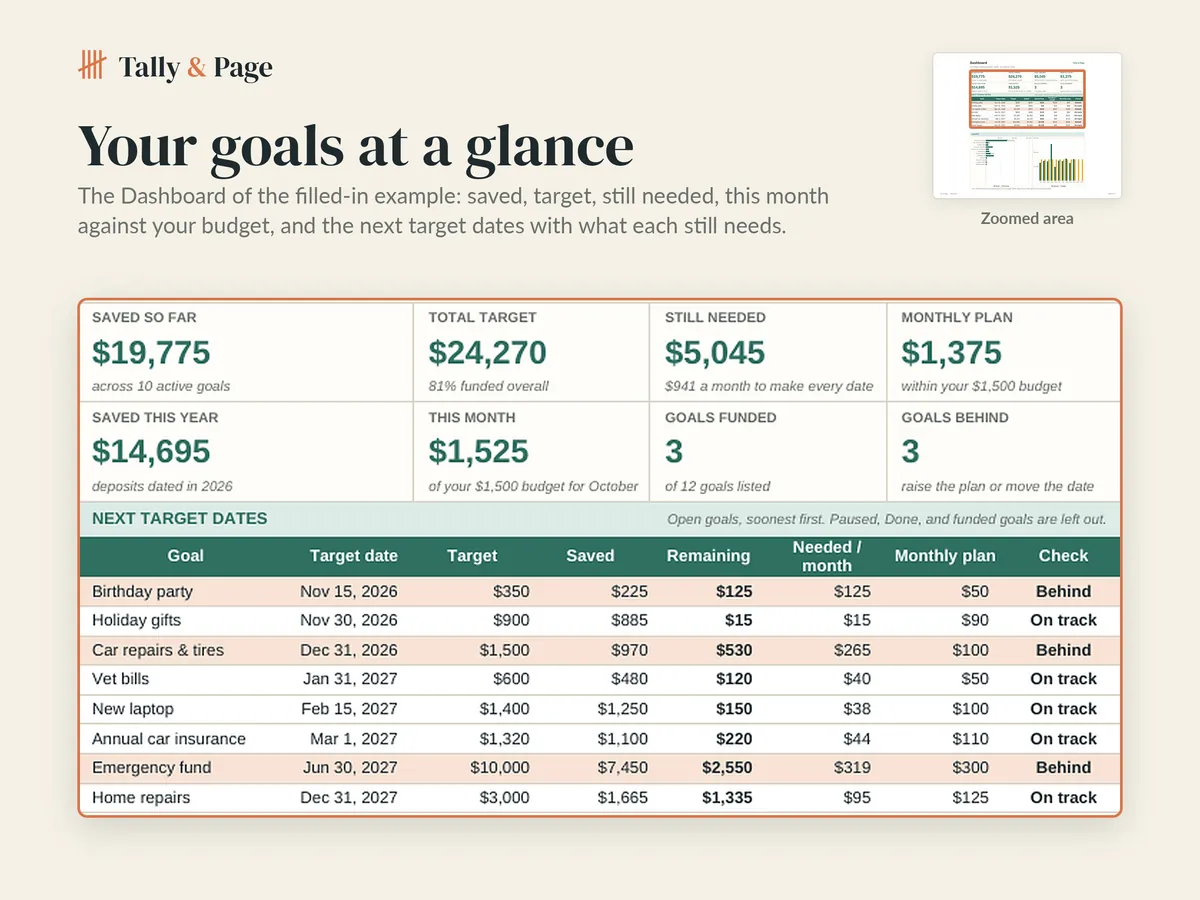
- Saved so far, remaining, and % funded worked out from your starting balance and the deposits you log
- Needed per month to make each target date, and an On track or Behind check against your monthly plan
- Projected finish date for every goal at the monthly amount you plan to set aside
- 500-row Deposits log with a goal dropdown; withdrawals are negative amounts, unmatched rows are flagged
- Monthly tab: every goal by month for the year, totals, and over or under your savings budget
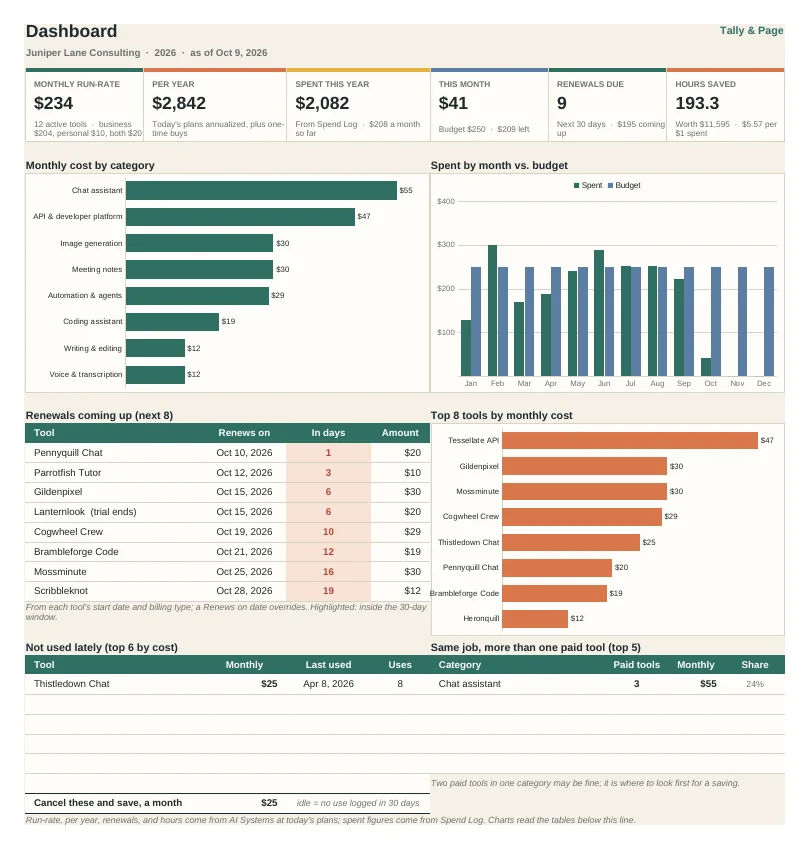
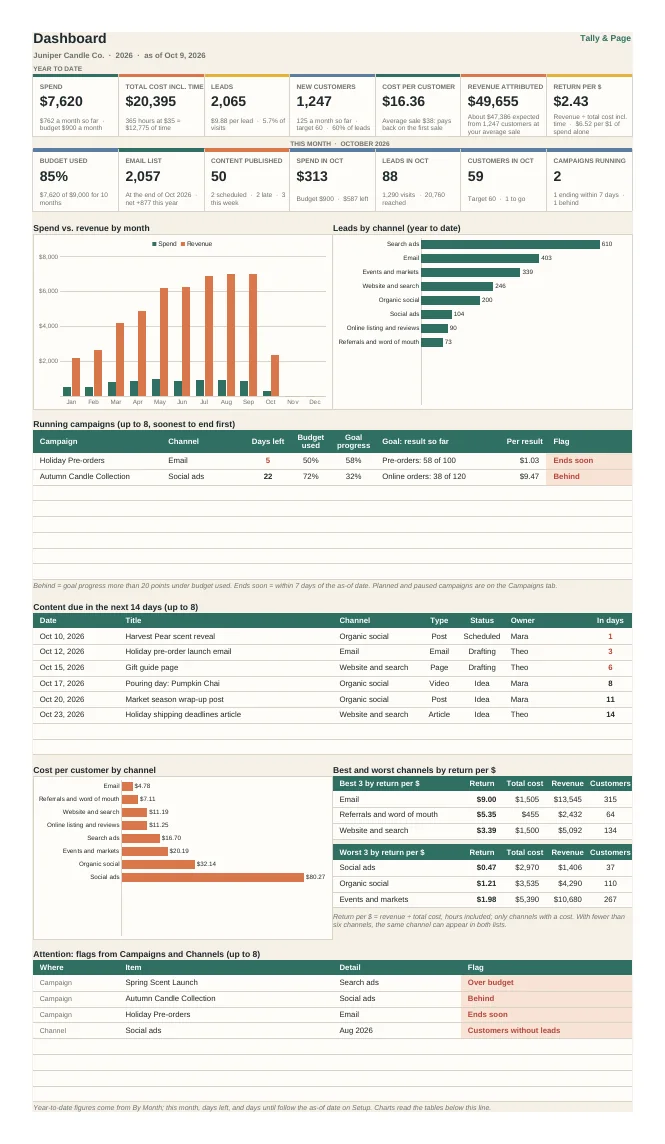
- Dashboard tiles, a next-target-dates table, and charts of saved vs. remaining and deposits by month
- Up to 20 goals and 8 accounts; Paused and Done goals stay on the list but leave the totals
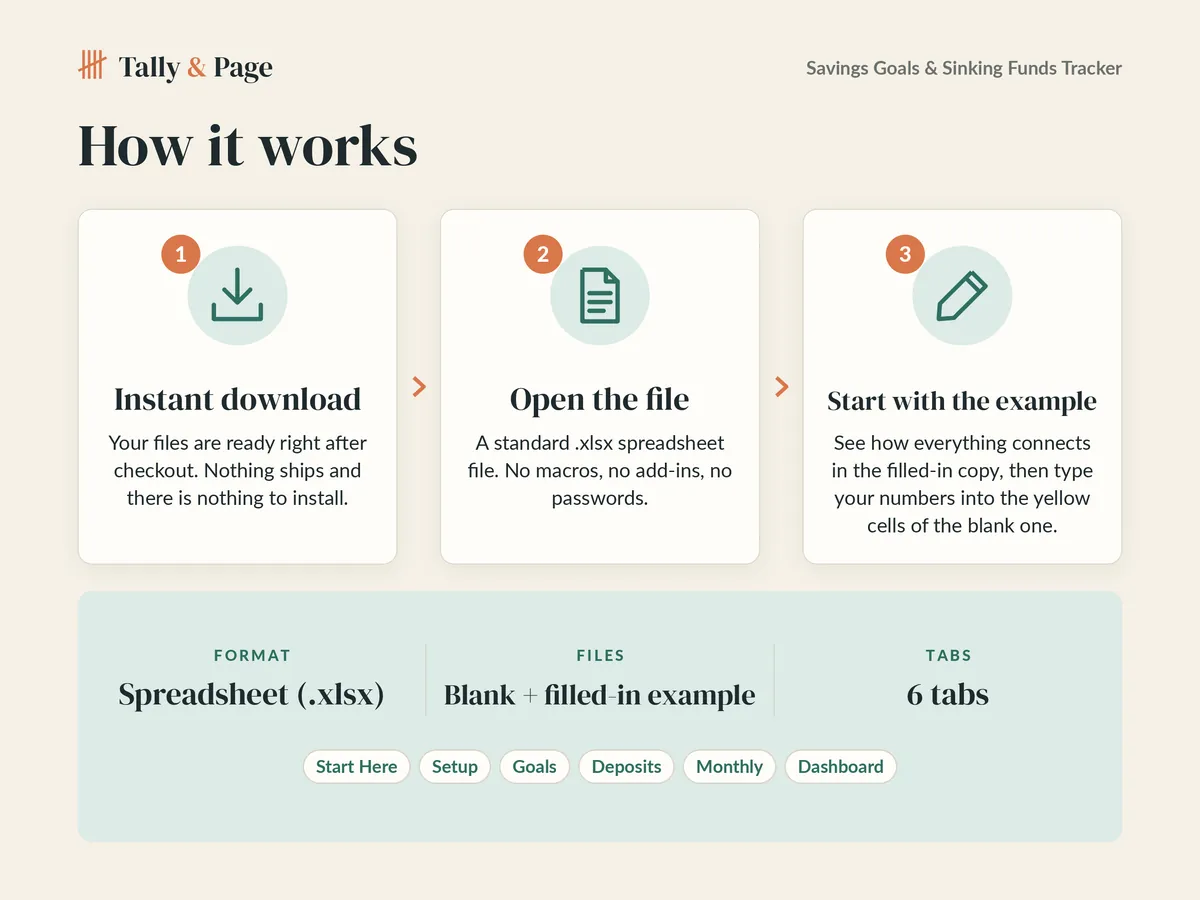
How it works
From checkout to your first entry
-
Buy and download
Your files are ready right after checkout. Nothing ships, and there is nothing to install.
-
Open the file
Open the blank copy in Microsoft Excel or upload it to Google Sheets. There are no macros, add-ins, or passwords.
-
Start with the example
Each spreadsheet comes twice: filled in with sample numbers, and blank. Read the example to see how the parts connect, then type your own numbers into the yellow cells of the blank copy.
More templates
More from Tally & Page
Questions
Before you buy
Is anything shipped to me?
No. Every template is a digital download. Right after checkout you land on your download page; bookmark it to download again later.
Can I use it for my business?
Yes, for your own household or business. Please don't resell, share, or redistribute the files or any part of them.
What if a file doesn't work?
Contact us from your order receipt within 10 days of purchase and describe what you see. We'll send a fixed file, or a refund if we can't make it work as described.
What do I need to use it?
Microsoft Excel and Google Sheets
Is it made with AI?
We design with AI-assisted tools. Before a file is listed, every spreadsheet is recalculated and checked for formula errors, and every link in a planner or guide is tested.
Is this financial, tax, or legal advice?
No. The templates help you organize your own numbers and work. For decisions about taxes, debt, or investments, talk with a qualified professional.