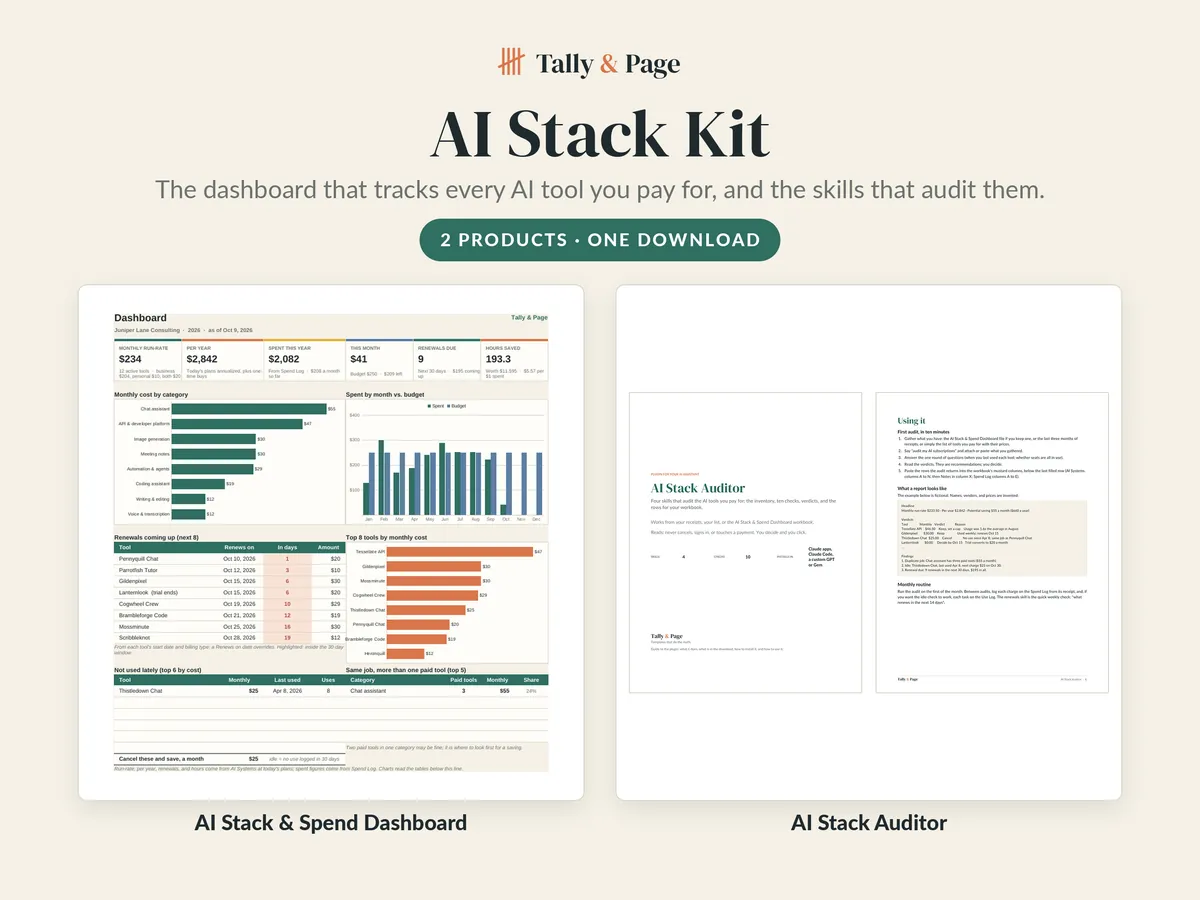
AI Stack Kit
The dashboard that tracks every AI tool you pay for, and the four assistant skills that audit them, in one download.
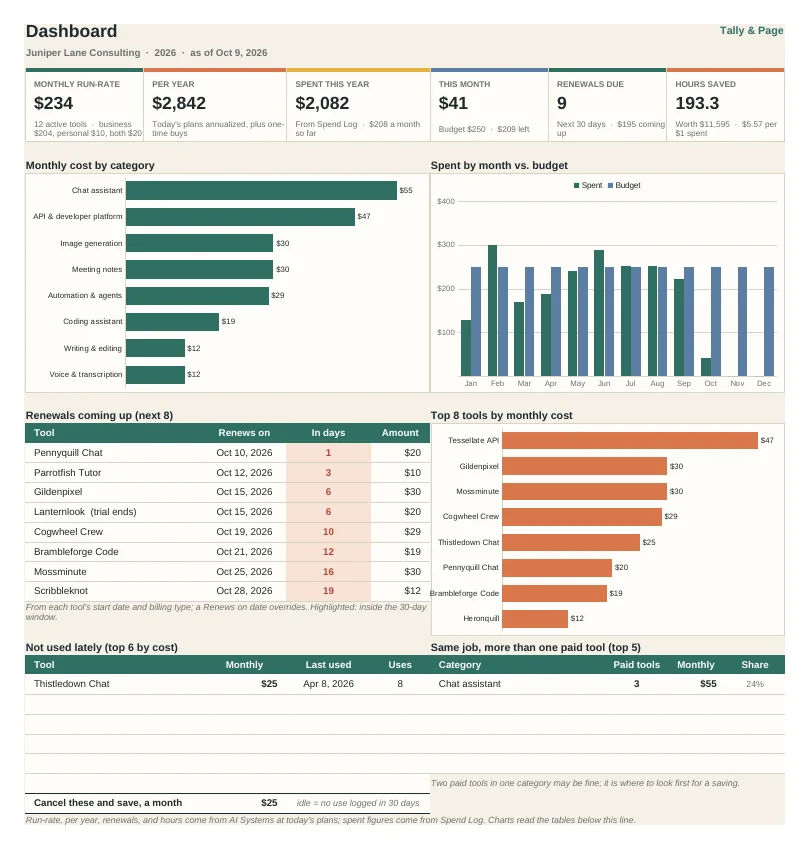
- Run-rate, cost per year, and renewal countdown
- Ten checks and a keep, downgrade, or cancel verdict per tool
- The auditor writes rows in the dashboard's column order
Instant download after checkout. Sales tax, where it applies, is added at checkout.
- Files
- One ZIP: blank + example .xlsx, plugin .zip, 9-page PDF guide
- Made for
- Microsoft Excel and Google Sheets; the plugin installs in the Claude desktop app, claude.ai, and Claude Code
- Inside
- AI Stack & Spend Dashboard (8 tabs) and the AI Stack Auditor plugin (4 skills), each the same file sold on its own
Use this file for your own household or business. Do not resell, share, or redistribute the file or any part of it. Designed by Tally & Page with AI-assisted tools.
Features
What it does for you
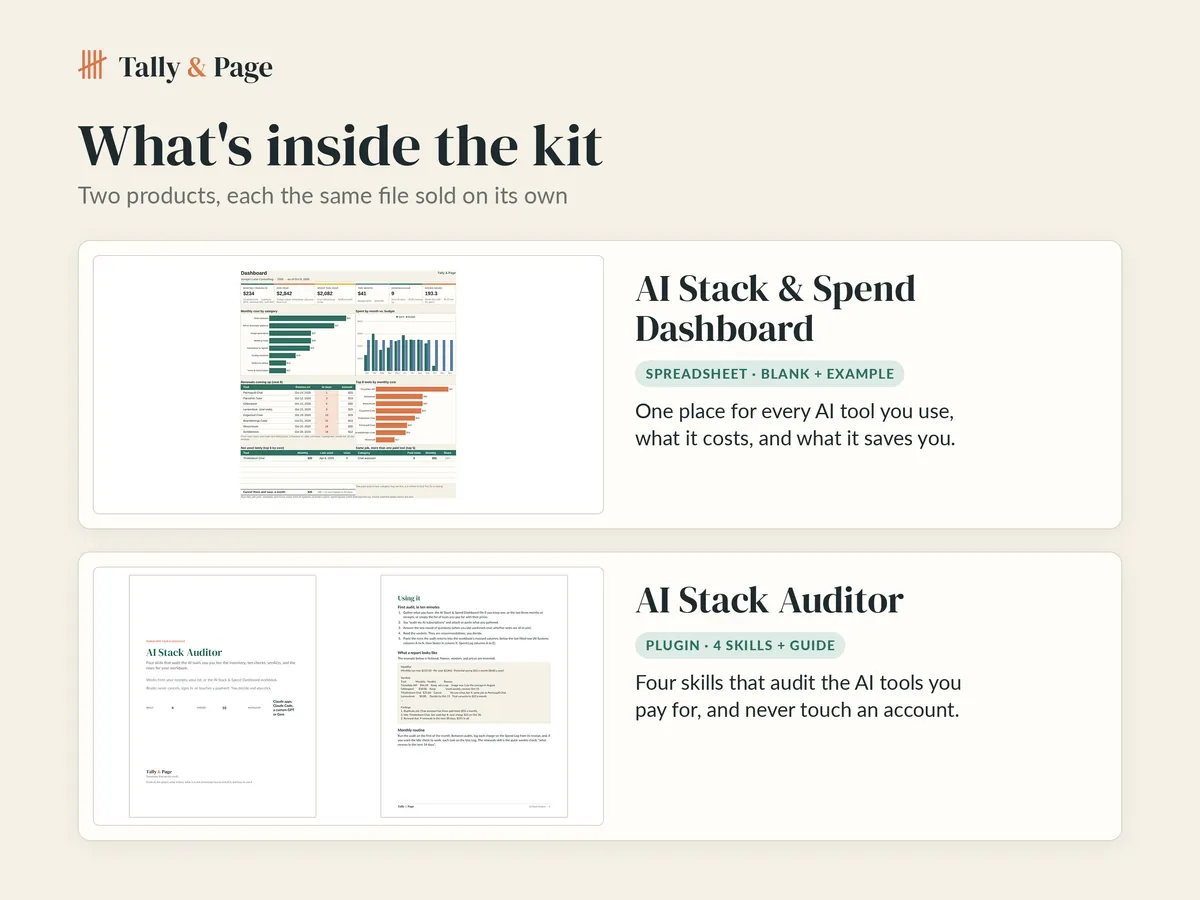
- AI Stack & Spend Dashboard: one row per AI tool or plan with monthly run-rate, cost per year, and a renewal countdown
- Dashboard Spend Log, optional Use Log (hours saved, cost per use), and an API cost estimator
- Dashboard flags paid tools not used lately and categories where two paid tools do the same job
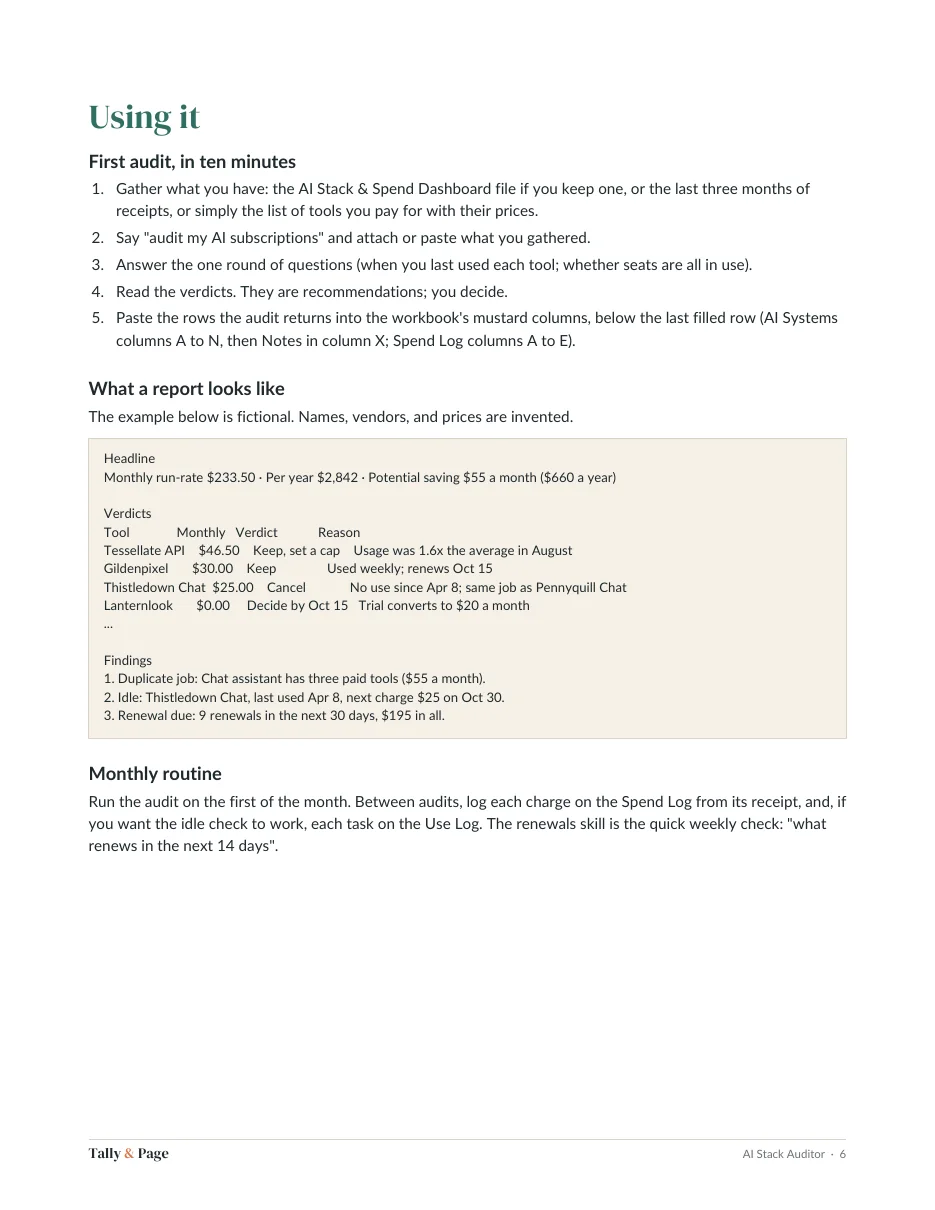
- AI Stack Auditor: builds the inventory from receipts or your list and runs ten checks on every subscription
- A Keep, Downgrade, Cancel, or Decide-by verdict per tool, with the number behind it
- The auditor writes AI Systems and Spend Log rows in the dashboard's exact column order, ready to paste
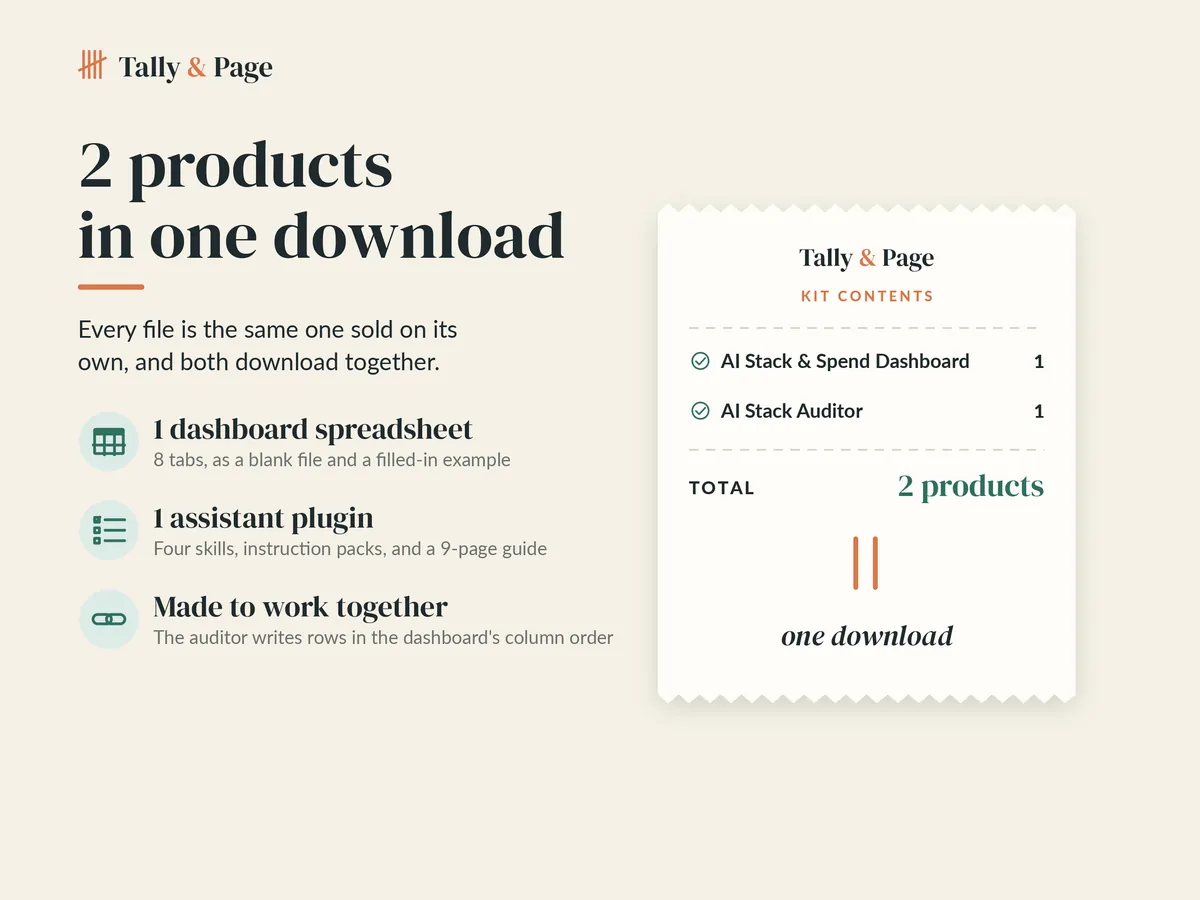
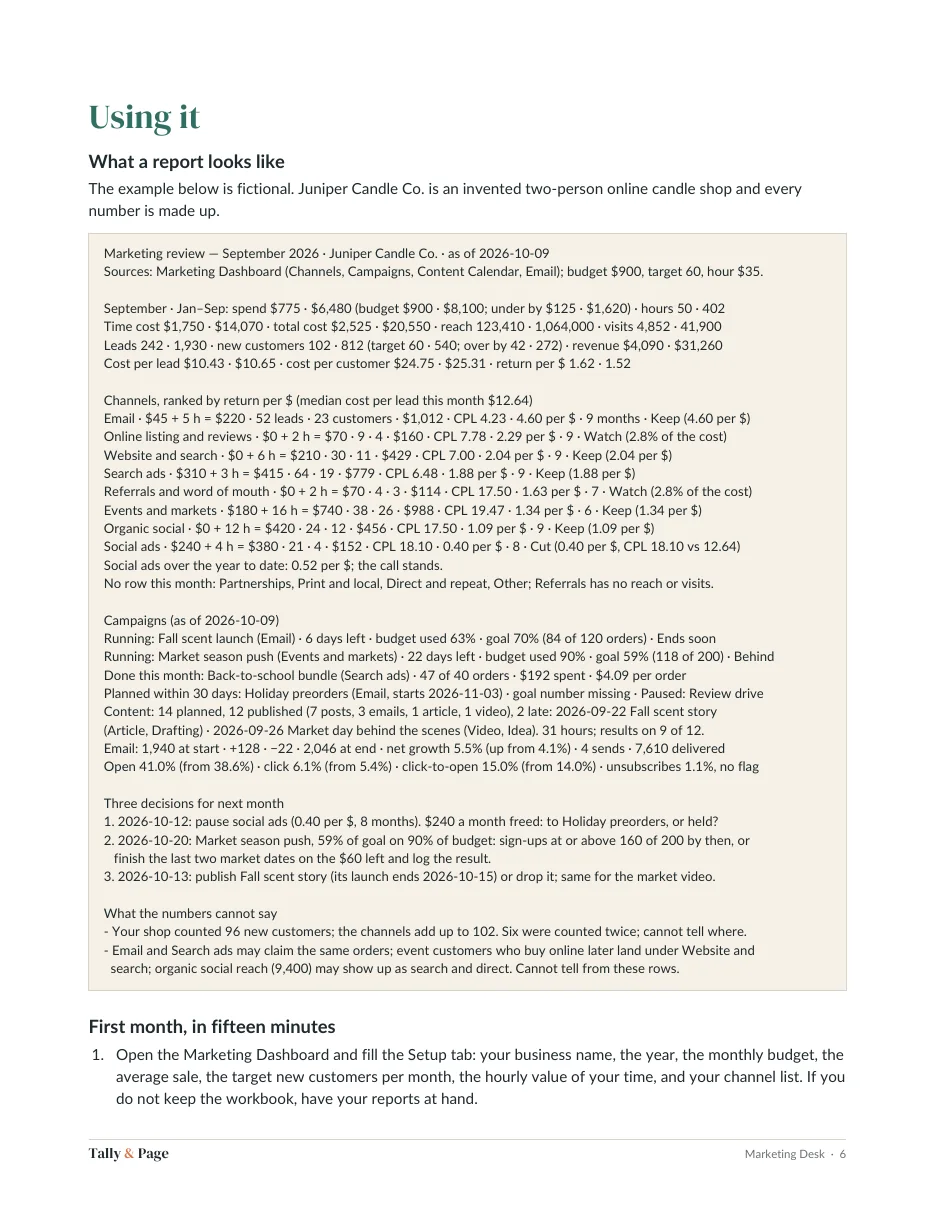
- Blank and filled-in example spreadsheets, the plugin ZIP, and a 9-page PDF guide with install steps and a sample report
- Every file is the same one sold on its own, and both products download together
How it works
From checkout to your first entry
-
Buy and download
One ZIP with a folder for each product is ready right after checkout. Nothing ships.
-
Open the files
Each product is the same file sold on its own: spreadsheets are made for Excel and Google Sheets; a plugin comes with a PDF guide that walks through installing it.
-
Start with the examples
Read the filled-in example first, then type your own numbers into the blank copy, and ask your assistant for a skill by name.
More templates
More from Tally & Page
Questions
Before you buy
Is anything shipped to me?
No. Every template is a digital download. Right after checkout you land on your download page; bookmark it to download again later.
Can I use it for my business?
Yes, for your own household or business. Please don't resell, share, or redistribute the files or any part of them.
What if a file doesn't work?
Contact us from your order receipt within 10 days of purchase and describe what you see. We'll send a fixed file, or a refund if we can't make it work as described.
What do I need to use it?
Microsoft Excel and Google Sheets; the plugin installs in the Claude desktop app, claude.ai, and Claude Code
Is it made with AI?
We design with AI-assisted tools. Before a file is listed, every spreadsheet is recalculated and checked for formula errors, and every link in a planner or guide is tested.
Is this financial, tax, or legal advice?
No. The templates help you organize your own numbers and work. For decisions about taxes, debt, or investments, talk with a qualified professional.